OOoWriter
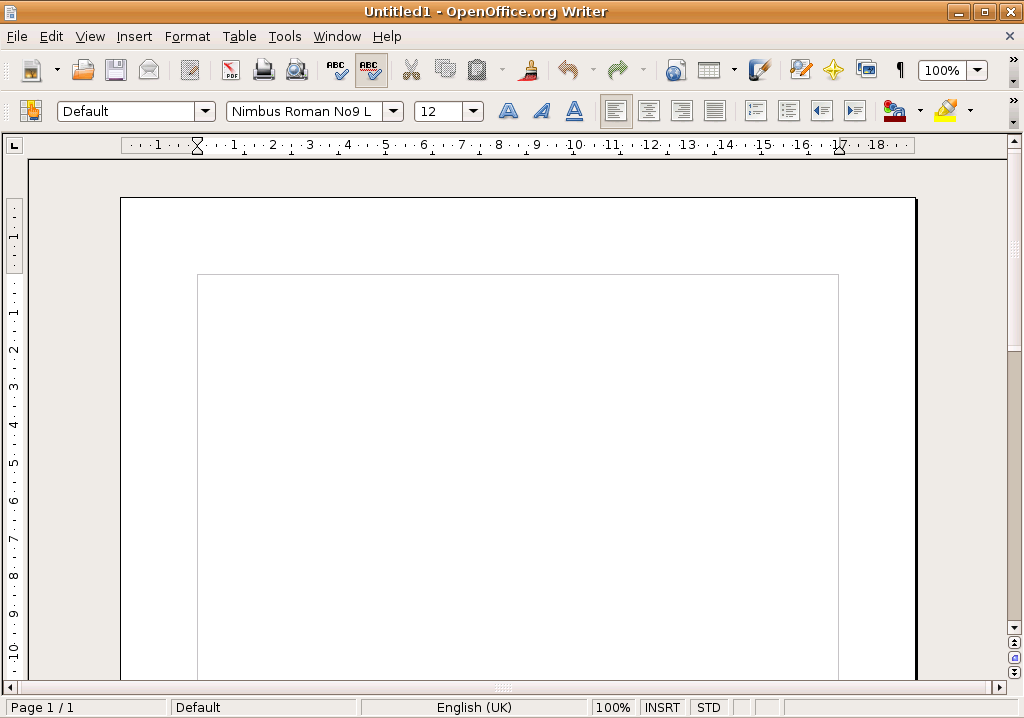
OpenOffice.org Writer
Basic editing, formatting and saving
- Enter some text transform it using fonts, sizes ,colours and positioning tools.
- Save it as ODF, DOC and PDF.
- Open the PDF file in Evince and confirm that it looks as expected
OpenOffice Java support
Install openoffice.org-java-common to enable Java support
Start OpenOffice
Create a letter using the wizard in File -> Wizards -> Letter...
- Select a page design and Printed items to include
- Enter sender data and add a footer
Choose Create a Letter from this template and click Finnish
- Confirm that the wizard generates a letter template that you can edit

Click to zoom
Testing/Includes/OOoWriter (last edited 2008-08-06 16:26:41 by localhost)