LiveCDInstall
Summary
Install from the Live CD using one of 3 partitioning methods.
Note: for the manual partitioning case use this procedure:
- Start from a system that already has an older version of Ubuntu installed (at least a different kernel version) and make sure /home has some non-default content
Select the partition where / is already mounted on your previous install - click edit and mount / on it again, do not format it
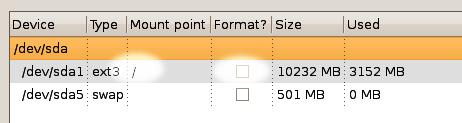
- Install as normal
Verify that /home is intact
Verify that /lib/modules and /boot are of the same version
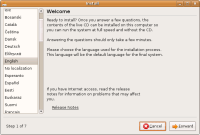
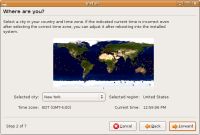
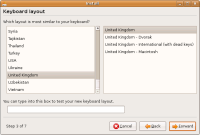
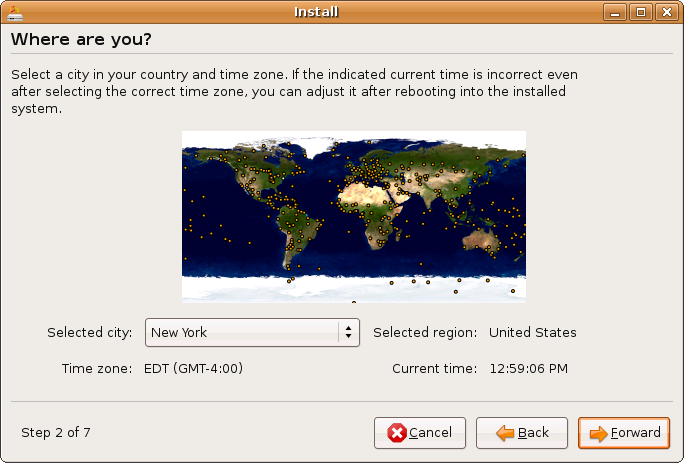
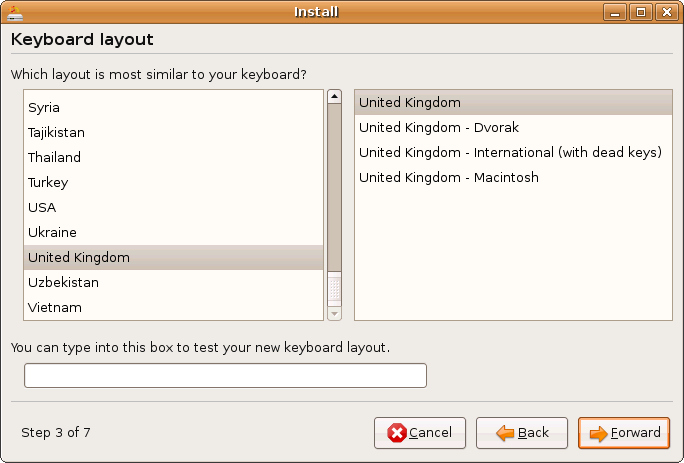
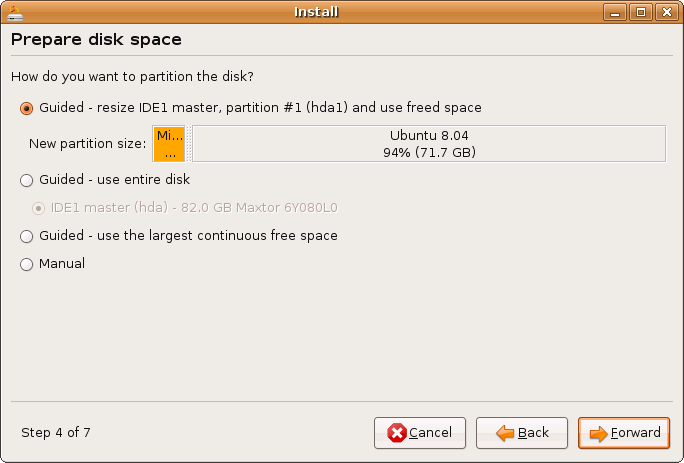
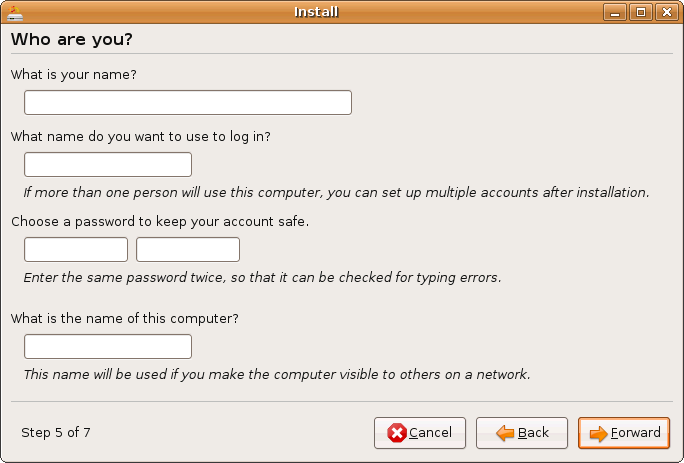
Screenshots of the differing Ubiquity installers.
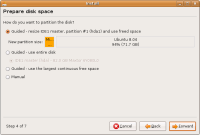
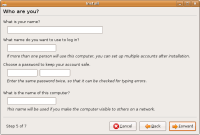
-tn.png "https://wiki.ubuntu.com/Testing/Cases/LiveCDInstall?action=AttachFile&do=get&target=uu6(m-a).png")
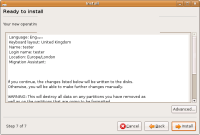
Ubuntu complete with Migration-Assistant Click to zoom
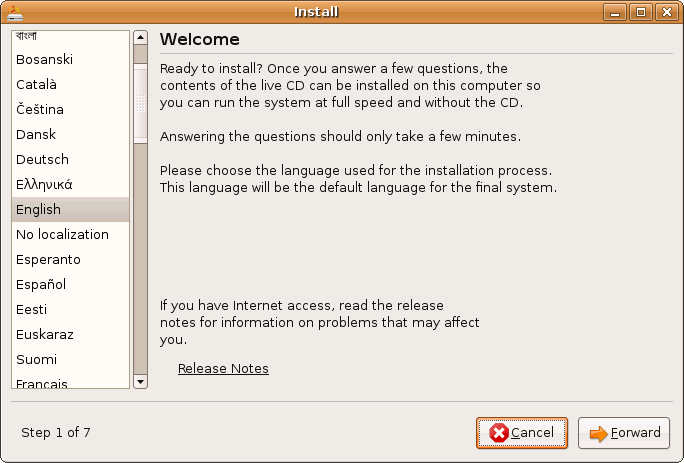
.png "https://wiki.ubuntu.com/Testing/Cases/LiveCDInstall?action=AttachFile&do=get&target=uu6(m-a).png")
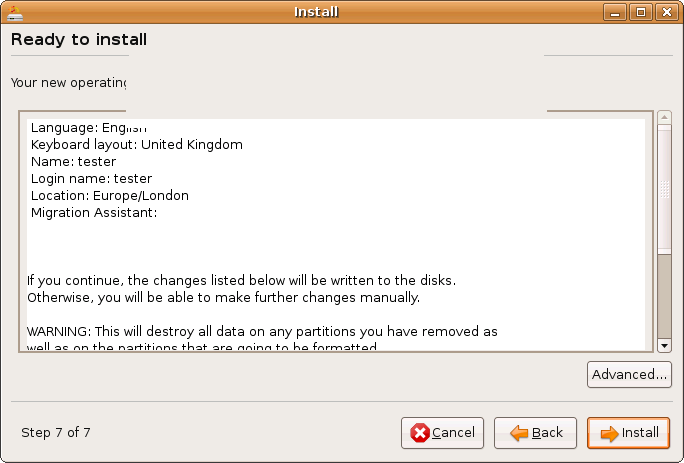
Procedure
- Boot from the Live CD (or continue on from the Live CD test)
- Click the install icon on the desktop
- Select your language, location, and keyboard layout
Select one of the following partitioning methods: Guided auto-resize (Dual boot option), Guided erase disk (Ubuntu only install), Guided largest continuous free space, Manual partitioning (Create the partitioning your way). See InstallMethods for details.
Depending on your existing disk contents, the auto-resize option may not appear.
Test the migration assistant feature if you have an existing OS installed. See ../MigrationAssistant for instructions (currently only on Ubuntu and Edubuntu)
Complete the install and reboot to verify that the system works as expected using the appropriate test: ../UbuntuDesktop, ../KubuntuDesktop, ../EdubuntuDesktop, ../XubuntuDesktop, ../MythbuntuDesktop