This is an incomplete design specification for settings, notifications, and other behaviors relating to keyboards.
Prompting to set up a keyboard
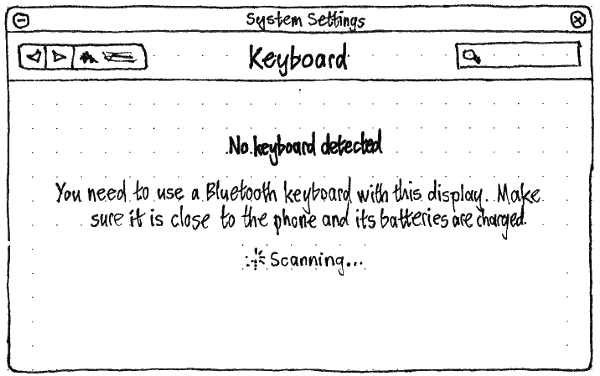
Whenever no keyboard is detected, the “Keyboard” screen of System Settings should begin with the text “No keyboard detected”. The following text should depend on the situation.
- On a pocket PC: “You need to use a Bluetooth keyboard with this display. Make sure it is close to the phone and its batteries are charged.”
- On a PC: “Connect a keyboard via USB, or use a Bluetooth keyboard. If a Bluetooth keyboard isn’t detected, make sure its batteries are charged.”
As long as the screen is open, Bluetooth should be turned on to detect a Bluetooth keyboard. If it was off previously, it should turn off again if you exit the screen without connecting a keyboard.
Ubuntu should open the “Keyboard” screen of System Settings if all of these are true:
- you are using a PC, or a pocket PC with a non-touch external display in use;
- no keyboard has been detected;
- System Settings is not already the active app;
- System Settings “Bluetooth” or “Keyboard” screen is not already open.
(This is all parallel to the design when no pointing device is connected.)